
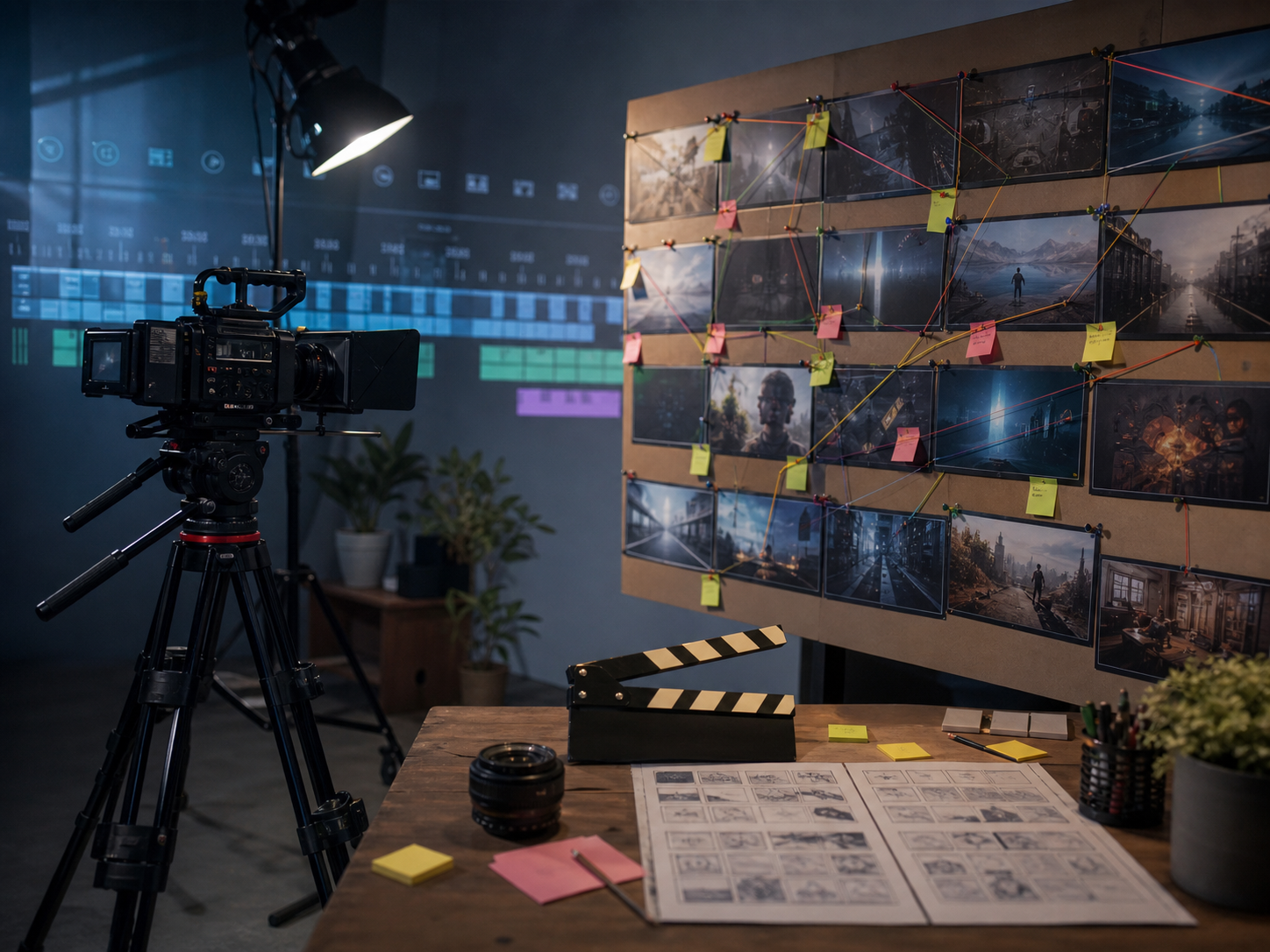
Creative block is not one problem. Sometimes you lack material; sometimes you have too many directions; sometimes the next decision feels risky because you care about the result. Asking AI for “ideas” may briefly create motion, but a list of fifty concepts can deepen the paralysis. The tool is more helpful when you diagnose the block and give it a specific role: generate constraints, reveal assumptions, produce contrasting options, or create a disposable rehearsal. The objective is not to outsource inspiration. It is to make the next human decision smaller.
Identify the kind of stuck
Write the unfinished decision as a question. Is the premise unclear? Does the middle repeat itself? Are you missing reference material? Are you afraid the work resembles something familiar? Separate information problems from taste problems. AI can help locate patterns and options, but it cannot decide what feels true to you. Describe what you have tried and why each attempt failed. Often the explanation contains the criterion you were missing. “This opening is clever but makes the character seem careless” is already a direction: look for an opening that preserves competence.
Ask for constraints, not abundance
Limit the space of possibility. Request three concepts that use one location, two colors, no dialogue, or a ninety-minute production window. For writing, ban the obvious metaphor or require the scene to begin after the expected event. For design, keep the grid but change scale and material. Good constraints create pressure that produces choices. Select one that feels slightly uncomfortable but still serves the project. A constraint is not a permanent rule; it is a device for reaching a part of the idea space you would not visit by habit.
Generate opposites and neighbors
Instead of asking for the best solution, request the opposite of your current approach and two adjacent variations. If the draft is earnest, explore dry humor, quiet observation, and radical simplicity. If a visual is symmetrical, try a cropped detail and an off-balance composition. Compare what each version reveals about the core. You may not use any generated option directly. Its value can be diagnostic: the comic version exposes an unnecessary explanation, or the minimal version shows which object carries the story. Contrast makes preferences visible.
Create a deliberately disposable version
Perfectionism grows when every attempt feels like the final attempt. Set a short timer and use AI to assemble a rough mock-up, animatic, outline, or demo that no one will publish. Label it “Version Zero.” Focus on sequence and major decisions, not polish. Then annotate the result with keep, change, and question. The disposable version gives you something concrete to resist. It also reveals practical gaps that abstract thinking hides. Once one element earns a “keep,” move it into a fresh human-made draft and leave the rest behind.
Know when to leave the screen
Not every block needs more language or generation. If the options begin to blur, stop. Take a walk, handle physical materials, visit the location, listen to unrelated music, or discuss the problem with someone who understands the audience. Incubation is part of creative work, not lost productivity. Set a return point and one next action, such as choosing the strongest silhouette or rewriting the scene goal. Keep a record of prompts that opened useful questions, but do not build a ritual so elaborate that the tool becomes another form of avoidance.
Set a stopping rule
Generative tools make another variation almost effortless, so decide in advance what “ready” means. Define three non-negotiable checks and a time or version limit. When a result meets the brief, passes factual and ethical review, and works in its final format, move forward. More options can reduce confidence without adding value. If none of the versions qualifies, return to the brief and identify the unresolved decision instead of generating randomly. A stopping rule protects time for editing, accessibility, testing, and distribution—the less glamorous work that often determines whether the audience finds the piece useful.
Small experiment: Apply one idea from this guide within the next seven days. Keep the scope narrow enough to finish, compare the result with your previous approach, and write down one change you would make next time. Note what surprised you and which assumption proved wrong. Share the test with one trusted reader if the context allows. Practical evidence is a better teacher than an endlessly refined plan, and a completed test gives your next creative decision a firmer foundation.
A quick review before you move on
- Can the audience understand the purpose without extra explanation?
- Are examples and claims specific enough to verify?
- Did a human make the final creative and editorial decisions?
Final takeaway
AI is effective against creative block when it creates movement without pretending to supply taste. Diagnose the obstacle, narrow the field, compare meaningful contrasts, and make a version you are allowed to discard. Then step away when more output stops producing insight. The breakthrough is usually not a perfect generated answer; it is the moment you can see your own next choice.